The Gap Between Sales, Production, and Shipping
Once an order is confirmed, several teams become responsible for moving it toward delivery. Sales owns the customer and order information, production manages schedules and work in progress, inventory or purchasing monitors materials, and shipping needs to know what is ready and when.
The problem is that these teams often work in different systems. Production updates a spreadsheet or internal schedule, shipping maintains its own records, and sales continues to work from the CRM. Each system serves its purpose, but information does not move between them as quickly as the order itself.
That becomes a problem when someone needs to answer a simple question: “Where is this order right now?”
Finding the answer often requires checking several systems or contacting another department. A material shortage affects production while sales is still communicating the original delivery date. An order has completed production but is waiting for a quality check that shipping cannot see.
As order volume grows, keeping these separate records aligned requires more and more manual coordination. Zoho Creator gives businesses another option: build the order workflow around how work actually moves through the organization and keep that information current current as the order progresses.
What Manual Order Tracking Actually Costs
The cost of manual order tracking goes well beyond the time employees spend updating spreadsheets.
Customer-facing teams can give different answers depending on the most recent update they received. Information entered in multiple systems eventually has to be reconciled. During busy periods, an order may remain at a step longer than expected simply because the next person in the process was not notified.
Growth tends to expose these gaps. A process that’s manageable at a lower order volume becomes harder to maintain as the number of customers, products, locations, or production steps increases.
The business also loses useful operational insight when updates are scattered across different sources. It becomes harder to identify where delays occur repeatedly, how long orders spend at each stage, or whether production timelines are improving.
Connecting the workflow gives the business a consistent way to capture this information as the work happens.
Building a Unified Order Workflow with Zoho Creator
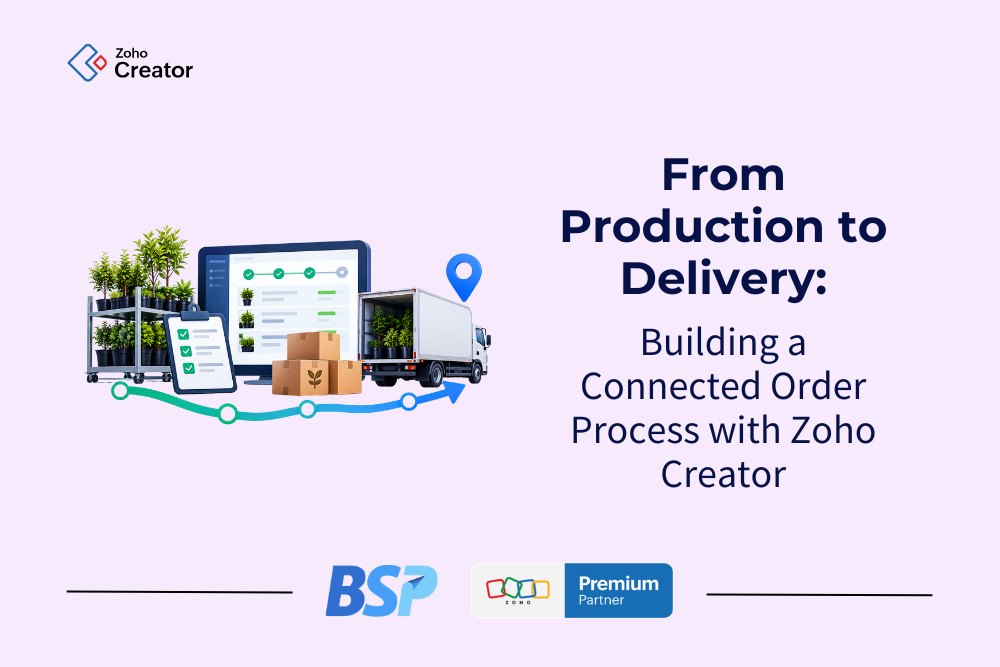
Zoho Creator allows businesses to build a custom application around the steps an order actually follows, rather than forcing their process into a predefined order-management structure.
A typical workflow might look like this:
Order confirmed → Production scheduled → In production → Quality control → Ready for delivery → Shipped/delivered
The exact stages vary by business, and each one represents a real point in the operational process. Production needs quantities, specifications, priorities, due dates, and work instructions.
Quality control needs inspection results, approvals, notes, and photos before the product can move forward. Order fulfillment needs complete order information, destination details, and delivery requirements. Instead of creating separate records every time responsibility changes between departments, the information remains connected to the order.
The workflow also determines when an order can move forward. Once production is complete, the order is routed to quality control. Once approved, it becomes available for fulfillment. Missing information or a pending approval holds the order until the required work is complete. The result is a record that follows the order across the business instead of stopping at the initial sales entry.
Automating Handoffs Between Teams
A connected workflow becomes even more useful when status changes are tied to the work employees are already doing. An approved order notifies production that work can begin. Once production is complete, the order is routed to quality control. Once approved, the fulfillment team is notified that the order is ready to ship.
The record changes because an action happened in the process, removing the need to update a separate spreadsheet or send an email explaining that the order has moved forward.
Automation also handles exceptions. An order that passes its expected completion date triggers an alert. A missing approval prevents it from advancing. Customer communications can be sent at selected milestones when appropriate for the business. This reduces routine coordination between departments while maintaining important controls.
Giving Each Team the Information It Needs
Sharing order data does not mean every employee needs the same dashboard. Production managers need to see upcoming workload, due dates, and overdue orders. Operations focuses on orders waiting for materials or approvals. Sales mainly needs the current status and expected delivery timing when speaking with customers.
Management uses the same underlying information to identify broader trends such as production times, recurring delays, and stages where orders tend to accumulate. Role-based access determines what each employee can view and edit, so every department works from the same order record while seeing only what is relevant to its work.
Connect Order Tracking to the Rest of the Business
An order management application can’t provide a complete picture if it operates separately from the systems that handle sales, inventory, accounting, and reporting.
For organizations already using Zoho, customer and order information can move from Zoho CRM into Creator instead of being re-entered at the start of production. Creator manages the operational workflow, while connections with Zoho Inventory or Zoho Books support inventory and financial processes. Zoho Analytics brings information from these systems together for more complete reporting.
Depending on the business, the environment could look like this:
Zoho CRM → Zoho Creator → Zoho Inventory / Zoho Books → Zoho Analytics
The configuration follows the company’s real process. The goal is to understand where information comes from, who needs it next, and which systems need to exchange data along the way.
In the Field: Foothills Nurseries
Foothills Nurseries is a real-world example of what this approach can look like when the workflow is built around a complex operation.
This Alberta-based wholesale nursery operates across 450 acres. Its order process relied heavily on paper for order taking, picking, packing, and shipping, making it difficult to keep order and inventory information current as changes occurred.
After evaluating standard ERP options, Foothills partnered with BSP to build a custom system in Zoho Creator, integrated with Zoho CRM and Zoho Books, supporting the operational order lifecycle from the initial customer request through fulfillment and delivery.
At the center of the order-management process is PPPS: Pick, Pack, Pull, Ship, which guides field teams from locating plants and trees in the field through preparation, staging, and final shipment. Inventory availability is updated as orders move through these stages, and confirmed orders help drive inventory, purchasing, and operational planning.
As Josh Poffenroth, Owner and General Manager of Foothills Nurseries, put it:
“The PPPS system tells each team what to do, where to go, and when, in real time.”
According to Zoho’s case study, Foothills reported a 200% efficiency gain, tripling production volume while adding only one person to its office team. Mobile access improved coordination between field and office employees, while up-to-date inventory information supported the sales process.
Foothills shows what can happen when an application is designed around the operation rather than requiring the operation to conform to a standard system.
Read the full case study on Zoho.com
Use Order Data to Improve the Process
Once order activity is captured consistently, businesses can use that information for much more than answering status questions. Managers can identify recurring delays, compare planned and actual production timelines, and see where orders regularly require extra attention. Historical information supports decisions related to staffing, planning, inventory, and process changes.
Customer-facing teams also benefit because current order information is available without repeatedly contacting production or operations for routine updates. As the business grows, this operational history becomes increasingly useful. Instead of gathering information only after a problem occurs, managers can use the data generated by daily work to understand process performance.
Where BSP Fits and What Comes Next
Building an order-management system starts with understanding how the business actually operates. For Foothills, that meant accounting for living inventory, field teams, multiple locations, and seasonal volume changes rather than applying a standard warehouse process.
BSP works with organizations to map the stages an order moves through, identify the points where information and responsibility change hands, and determine how Zoho Creator should connect with the systems already in place. From there, the application is built around those specific requirements.
An order should not disappear once it leaves the sales stage. When production, shipping, and customer-facing teams work from the same information, answering “Where is my order?” becomes a quick check rather than a search across departments. For the customer, that means a more reliable answer. For the business, it removes a recurring source of manual coordination from the order process.
Looking for a better way to manage orders from production through delivery? Contact BSP to explore what that could look like for your process.